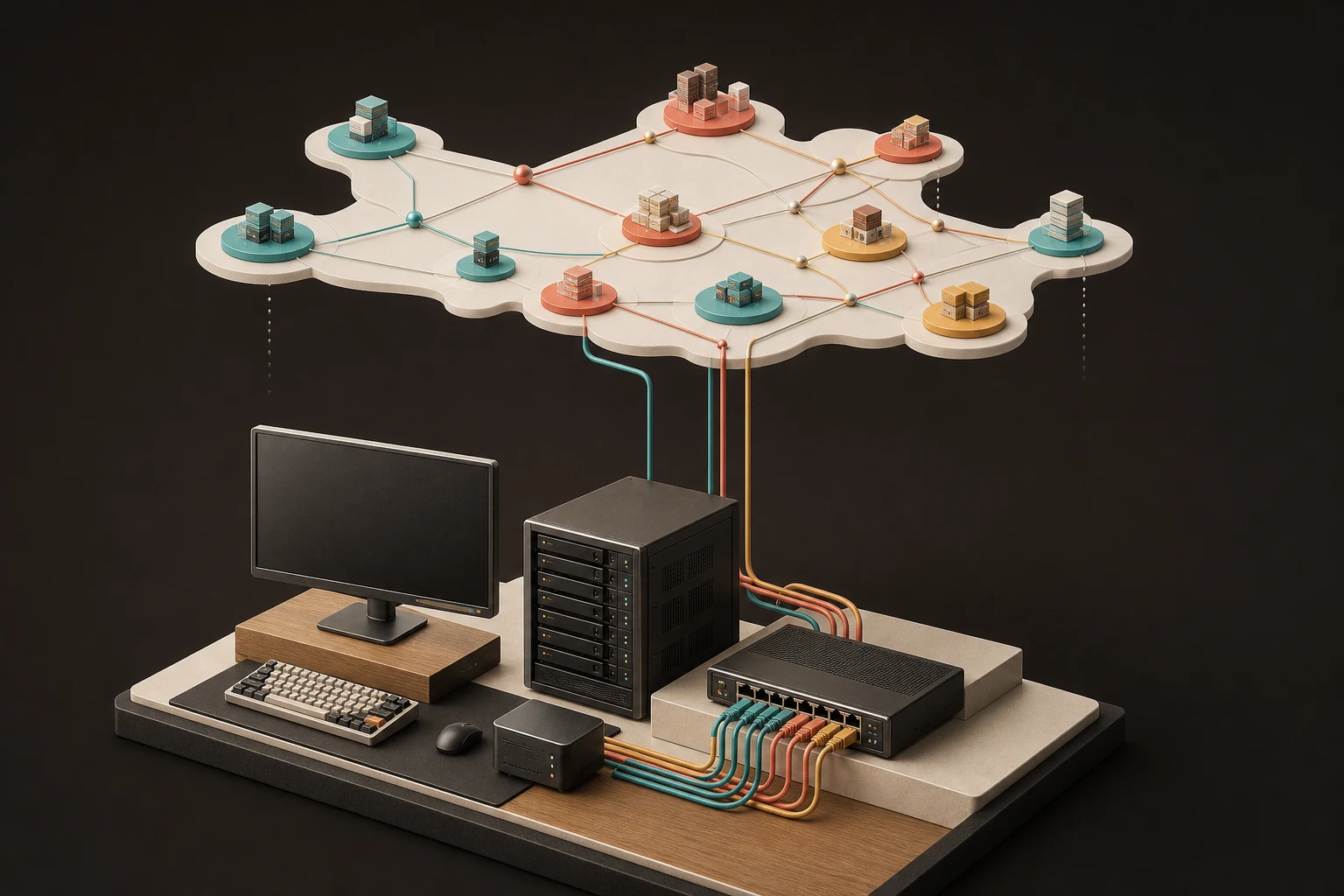
- Which physical devices support the lab
- How eight virtual sites map onto the hardware
- Why the topology remains vendor-neutral
The physical lab will consist of a Dell Inspiron 15 laptop connected wirelessly (via Wi-Fi) to my Internet Service Provider (ISP) wireless router. Wired connections will run from the ISP router to the Lenovo P720 workstation and the Juniper EX-2200 switch, as per our topology illustrated below.
Physical topology
Four devices, three network paths
Dell Inspiron 15
Windows 11 Home
24 GB RAM
ISP wireless router
192.168.1.1/24
Juniper EX2200-C-12T-2G
Management: 192.168.1.254/24
Lab trunk to workstationLenovo P720 workstation
ESXi: 192.168.1.253/24
Runs the virtual labThe virtual lab will comprise 8 sites, including 6 Remote Branch offices and 2 Data Centers (Head Quarters) buildings, as depicted below. These labs will maintain a vendor-neutral focus. Whenever possible, we will integrate a variety of vendor equipment and tools to foster a diverse lab environment. Thus, the topology for the lab will continually evolve and be updated on our GitHub page.
Virtual topology
Two data centres and six dual-path branches
Montego Bay
10.253.0.0/16
Private WAN
172.16.0.0/22
Juniper EX2200 lab switchPublic WAN
192.168.100.0/22
Home ISP internet gatewayKingston
10.254.0.0/16
Port Antonio
10.0.0.0/20
Ocho Rios
10.0.16.0/20
Savanna-la-Mar
10.0.32.0/20
Santa Cruz
10.0.48.0/20
Mandeville
10.0.64.0/20
Negril
10.0.80.0/20
With the topologies now ready, our next post will cover the naming conventions, subnets, and IP addressing for each site. Understanding these elements is key to a consistent lab environment, and we're excited to share our approach and insights in upcoming blogs.